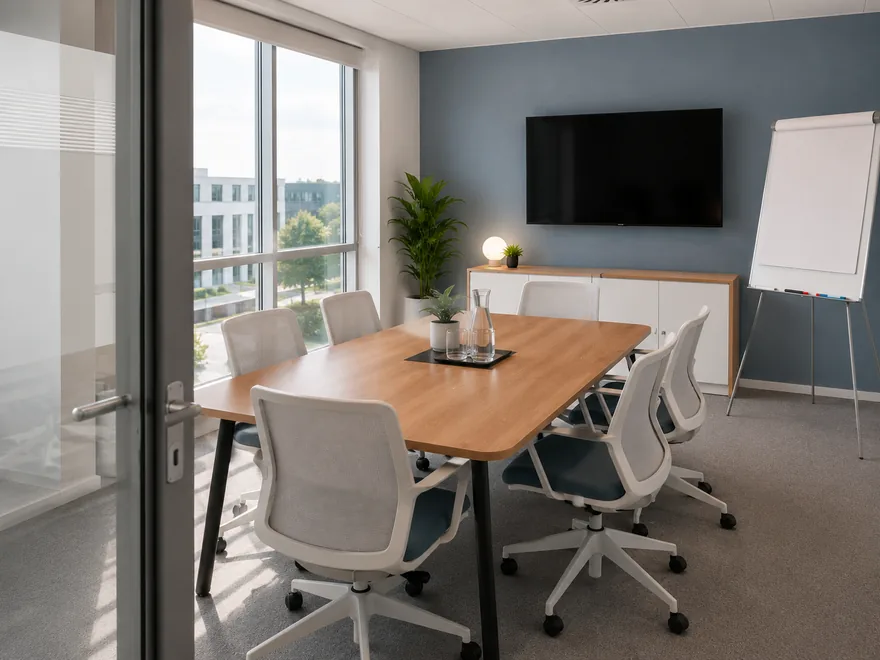
Lisbon
Gfacility NL · 6 seats
ScreenFlipover
Available
Our smart space booking makes it easy for colleagues to find and reserve meeting rooms in no time - fully tailored to their needs and your rules.
1Name your booking
Peter Klein
peter.klein@gfacility.com
No room yet. Add one on the right.
Primary
· seats
Select a category below
Lisbon
Gfacility NL · 6 seats
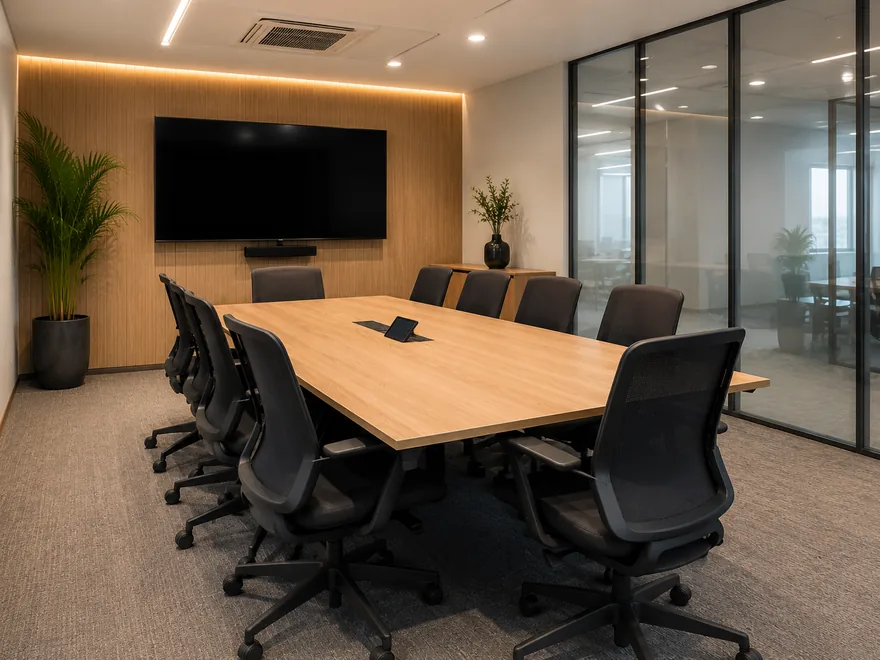
Porto
Gfacility NL · 8 seats
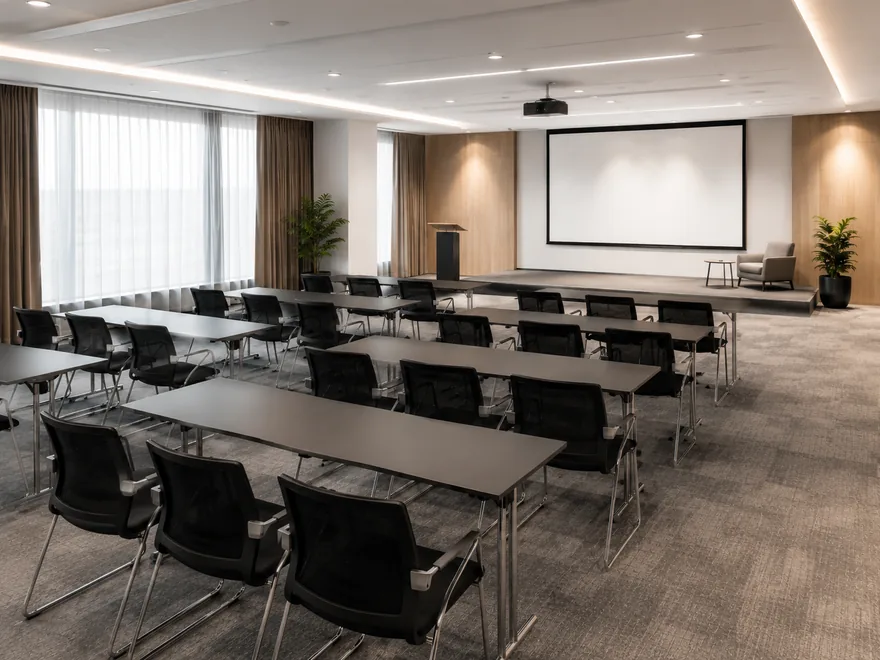
Madrid
Gfacility NL · 20 seats

Coffee & tea arrangement
€ 2.95 per person · Unlimited fair-trade coffee and tea, per person.

Still & sparkling water
€ 2.20 per person · 0.5L returnable glass bottle.

Fresh orange juice
€ 3.10 per person · Freshly squeezed, 0.2L per person.

Fresh apple juice
€ 3.10 per person · Pressed apple juice, 0.2L per person.

Coca-Cola
€ 2.80 per person · Chilled can, 0.33L.
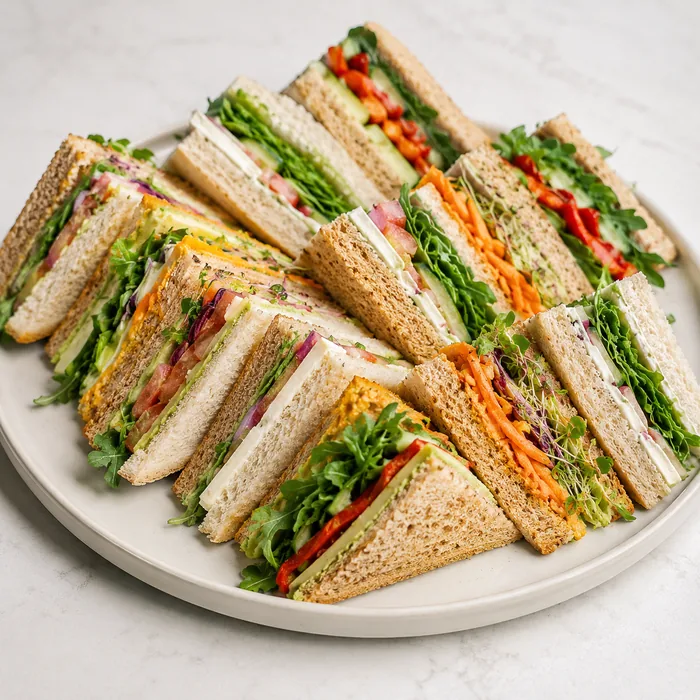
Sandwich platter
€ 6.25 per person · Assorted sandwiches on artisan bread.

Seasonal fruit bowl
€ 4.50 per person · Locally sourced seasonal fruit, per person.

Vegan poke bowl
€ 9.50 per person · Edamame, avocado, quinoa and crunchy veg.

AV technician
€ 75.00 · On-site support for your hybrid meeting.

Reception welcome
€ 25.00 · Personal visitor reception at the front desk.
Whiteboard & markers
Included · Delivered to the room before you start.
Attendees, room, catering and services, all in one go. That is the whole platform working as one.
The booking journey
Follow one meeting, from the invite in Outlook to the numbers at the end of the month.
Booked from Outlook
Room, catering and visitors, straight from the invite.
The right time and room
Gfacility suggests a slot and a room that actually fit.
Your rules run the show
Opening hours, buffers and approvals are applied for you.
The day itself, at the door
The tablet shows what is on: check in or extend in one tap.
Insight afterwards
See which rooms get used, and which quietly stand empty.
Works where you work
More than room booking: the room, the catering and the visitors ride along on one booking, straight from the invite your colleagues are already writing. Every change syncs both ways within seconds.
Quarterly review
Thu 14:00 to 15:00
Attendees
 Add to this meeting
Room
Boardroom Atlas
8 seats
Catering
Coffee and tea

Visitor
Anna Visser
Badge ready, created from attendee
Book room
Booking flow
Gfacility reads everyone's calendar, ranks the slots that actually work and shows only the rooms you are allowed to book. Less searching, better use of every room.
Suggest best time
Free/busy from Microsoft 365
Suggested times
Next 3 days
Rooms you can book
Today 14:00 to 15:00, Breda office
3 of 12 rooms match
Meeting room Nova
U-shape layout6 seats
Focus room Luna
Focus layout4 seats
Boardroom Atlas
Boardroom layout12 seats
Rules and automation
Give colleagues the freedom to book while you stay in control. You set the rules once, Gfacility applies them on every booking, so nobody has to play traffic officer.
Room booking rules
Applied on every booking, no manual policing
1Rules apply themselves
Moved to the first slot inside opening hours
Not permitted, management only
2And the routine runs itself
3 actions todayAutomation feed
Room released at 14:12, no check-in after 10 minutes
Catering order cancelled automatically
Setup buffer shortened to 10 minutes
Previous booking ends at 13:50
Catering rescaled after two attendees declined
Order updated to 6, organiser notified by email
At the door
The tablet next to the door shows what is booked and by whom. Check in with a tap, extend when the meeting runs over, and if nobody turns up the room frees itself for the next team.
Read more about Room signage→Madrid
Thursday 19 Jun, 13:52
Free until 14:00
Design sync
14:00 - 15:00 · Host Peter Klein
Thu 19 Jun
TodayWhat's the issue?
Insights
No-shows, peak hours and utilisation per room, out of the box.
See what workplace analytics shows→Room utilisation
Last 30 days, Breda office
Room utilisation
0%
target 70%
No-shows
0%
-2 pts vs last month
Average lead time
2.1days
booked in advance
Peak hours
Top rooms
Share of bookable hours used
Gfacility brings your workplace together. Our all-in-one platform connects room bookings, attendees, visitors, and catering in one smooth flow - so meetings run effortlessly and everyone stays focused.
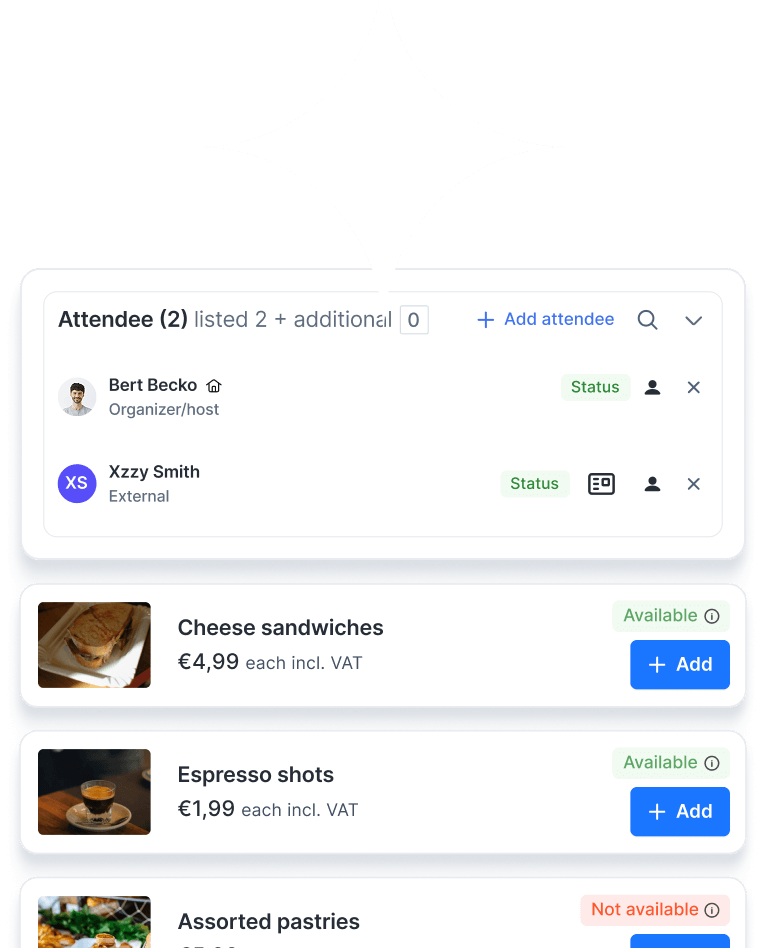
Quickly find the relevant information through user-friendly overviews with advanced filtering capabilities.
Receive timely notifications for important updates, tasks and reservations.
Automate (approval) processes and streamline tasks with customised tailored workflows.
Attractive catalogue with detailed room information and flexible rules to control who can book which rooms, and when.
Easy communication via email, with all correspondence automatically linked to the booking space.
Get valuable insights from edetailed analyses and flexible reporting.
Visualise and manage your planning with a clear and intuitive scheduler.
Work anywhere with the mobile app designed for maximum flexibility and easy access to bookable spaces.
Collect feedback and provide insightful ratings to monitor quality.
Google Calendar plug-in and user integrations.

Microsoft Outlook plug-in and user integrations.
Gfacility offers a smart and user-friendly room booking solution to help employees easily reserve meeting rooms, huddle spaces, or other workspaces, all integrated within your existing tools.
Gfacility is more than just a room booking tool, it's a complete room management system that supports smart scheduling, utilization tracking, and integrations with your existing workplace tools.
Yes. Gfacility is a cloud-based booking system accessible from any device, making it ideal for hybrid workplaces and multi-location organizations.
Unlike traditional tools, Gfacility combines intuitive booking, smart automation, and deep analytics, giving both employees and facility teams full control and visibility over space usage.
We follow enterprise-grade security standards including GDPR compliance, SSO (Single Sign-On), and data encryption.
Yes. Bookings follow the workflow statuses you configure, and a room can be set to require acceptance before it is confirmed. The approver approves or rejects straight from the notification email or from a Microsoft Teams card, without logging in.
A recurring series previews the conflicts across the whole series before you save, so you see which dates cannot be honoured while you are still creating it. Afterwards you can edit one occurrence, the rest of the series or all of it, and swap the room or the catering for a single date without breaking the series.
Catering follows the booking. Order deadlines and cancellation charges per product are configurable in tiers, for example free until 24 hours before and a percentage after that, and the order is cancelled automatically when the room is released.
On the planning board: rooms as rows on a day or week timeline, every booking in place, drag to move one, and the list view shows the same bookings with their catering and services. Changes sync in real time, so reception and the service desk look at the same picture as the organiser.
Yes. Gfacility seamlessly integrates with both Microsoft Outlook and Google Calendar, ensuring real-time synchronization of bookings and preventing double reservations.
Yes. Gfacility’s flexible booking engine goes beyond meeting rooms, it can also be used to manage parking spaces, company vehicles, equipment, or other shared resources. Learn more about our full Workplace Management capabilities →
Absolutely. Gfacility supports recurring bookings and team reservations, making it ideal for regular meetings or team collaboration sessions.
Yes. Room status is updated in real-time, so users always see accurate availability across locations or buildings.
Yes. Bookings can be made through the web platform, mobile app, or physical room displays/kiosks if available.
Rooms can be automatically released if no check-in is detected via sensors or room signage. Additionally, because Gfacility is synced with users’ calendars, cancellations or rescheduled meetings will automatically free up the booked space, no manual action needed.
Yes. Gfacility allows admins to configure detailed booking policies, including limits, approval workflows, and room access rules based on user roles, departments, or locations. No other solution offers this level of customization and control over room booking behavior.
You can request a free demo or contact our team for a personalized walkthrough and onboarding plan tailored to your needs.

Booking a meeting room shouldn’t feel like a project on its own. With Gfacility, you skip the email chains, avoid double bookings, and make sure every meeting has the right space, people, and setup - without the usual hassle.
Schedule a demo