
One work order, full context
Each work order carries the location, the linked asset, the requester and the history, so whoever picks it up knows exactly what they walk into.
Every reported issue or planned job becomes a work order with an owner, a priority and an SLA. Assign it to the right technician or vendor, schedule it, track it to completion and link it back to the asset, all in the same platform as your IT and workplace work.
Tasks 0 / 0
| Task | Workflow | Status |
|---|---|---|
| No tasks yet. Add a task to plan the work. | ||
Task details
Add a task
Each work order carries the location, the linked asset, the requester and the history, so whoever picks it up knows exactly what they walk into.
Route the job to an in-house technician or an external contractor, with the right notifications, and keep the status in sync either way.
Raise a work order from a helpdesk ticket on the fly, or generate it automatically from a preventive-maintenance schedule.
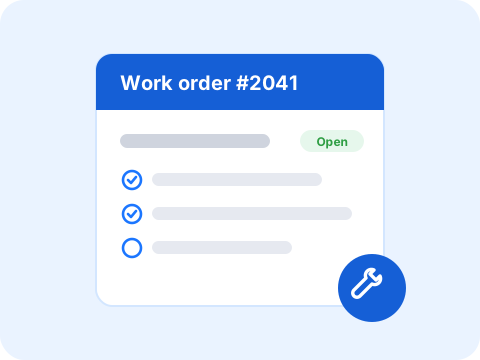
A facility helpdesk ticket becomes a work order in one step, no re-keying, no second system.
Work orders link to the asset they touch, so maintenance history and warranty are always one click away.
Open jobs, overdue work and cost per asset roll into the same dashboards as the rest of your service operation.
Yes. A facility helpdesk request can be turned into a work order in one step, keeping the requester, location and history attached.
Yes. Work orders can be assigned to in-house technicians or external vendors, each with the right notifications and status updates.
They do. Linking a work order to its asset builds that asset's maintenance history automatically and keeps warranty and cost in view.
Book a discovery call and we will run work orders on your own facility flows.
Schedule discovery call