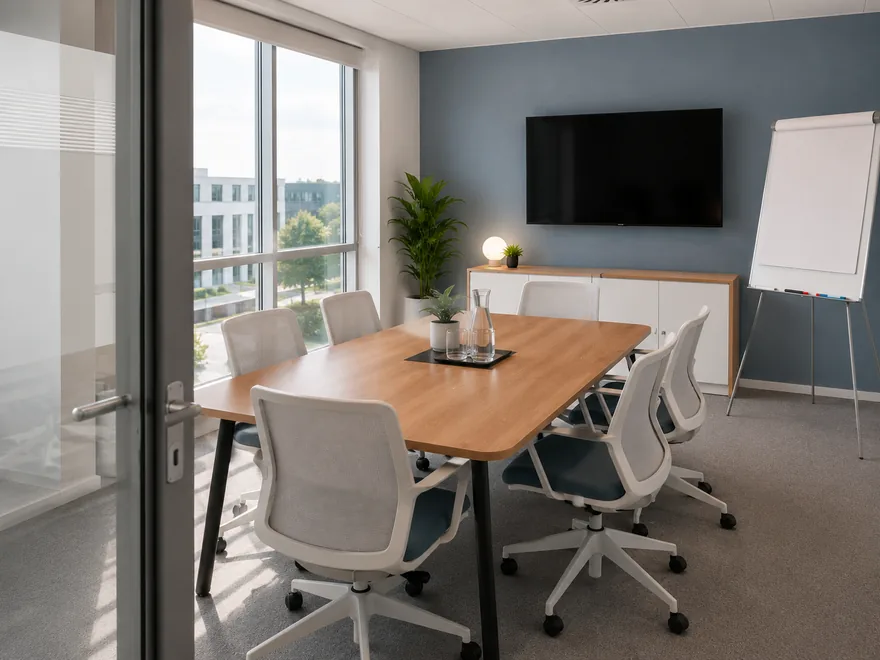
Lisbon
Gfacility NL · 6 seats
Available
Give every visitor a positive experience with effortless and welcoming visitor management. From simple registration and automatic check-in to real-time host notifications, Gfacility ensures guests feel instantly welcome and can join their meeting with full focus.
1Pre-register the visitor
Pre-register a visitor
Why register visitors
Reception is the visible part. These five are what a visitor registration is actually for.
Always an up to date overview
Check-in and check-out are recorded on the visit and it stays in sync with the meeting, so reception's list is accurate and current.
See how→Reception relieved
Your own rule tells the host a guest has arrived, and guests check themselves in and out. Nobody has to call around.
See how→A professional first impression
Everything is ready before the guest arrives: the QR code in the invitation, the details they corrected, the badge printed at the desk.
See how→GDPR handled
Retention runs on its own: visitor data is anonymised or deleted after the period you set.
See how→Evacuation and emergencies
In an emergency you know straight away who is in your building. The list the emergency response team works from stays right all day.
See how→Behind the welcome
The visit itself runs in the demo above. These five bands are what you set up once, so it keeps running that way.
It starts in the invite
An external attendee on a calendar invitation becomes an announced visitor, with no second system to keep up to date.
Everything is ready
The invitation carries the QR code and the directions, and the guest completes their own details and licence plate beforehand.
Reception sees it
The guest is on the list at reception, the host is notified automatically, and reception sees when he has confirmed the pick-up.
Nothing lingers
Visitor data is anonymised or deleted after the period you set, and every run is recorded.
And then the numbers
No-shows, arrival peaks and visit duration per building, built from the visits themselves.
It starts in the invite
Add a guest to an Outlook or Google Calendar invitation and Gfacility recognises the address as external. The visit is announced at reception before you have finished typing the agenda.
Experience how it works
3Announced at reception
Announced at reception
Gfacility saw the meeting.
Reception, today
Emma Clarke
emma@northwind.com
Host: Peter Klein
1Name the meeting
 Viva Insights
noTitle
Friday 19 June 13:00 - 13:30
Peter Klein
peter.klein@gfacility.com
Lisbon
Gfacility NL · 6 seats
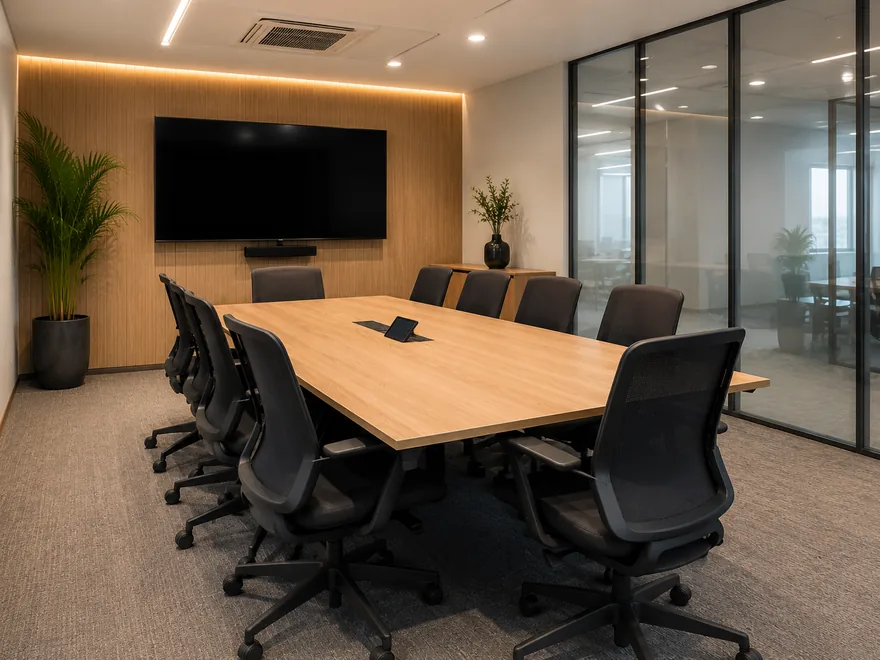
Porto
Gfacility NL · 8 seats
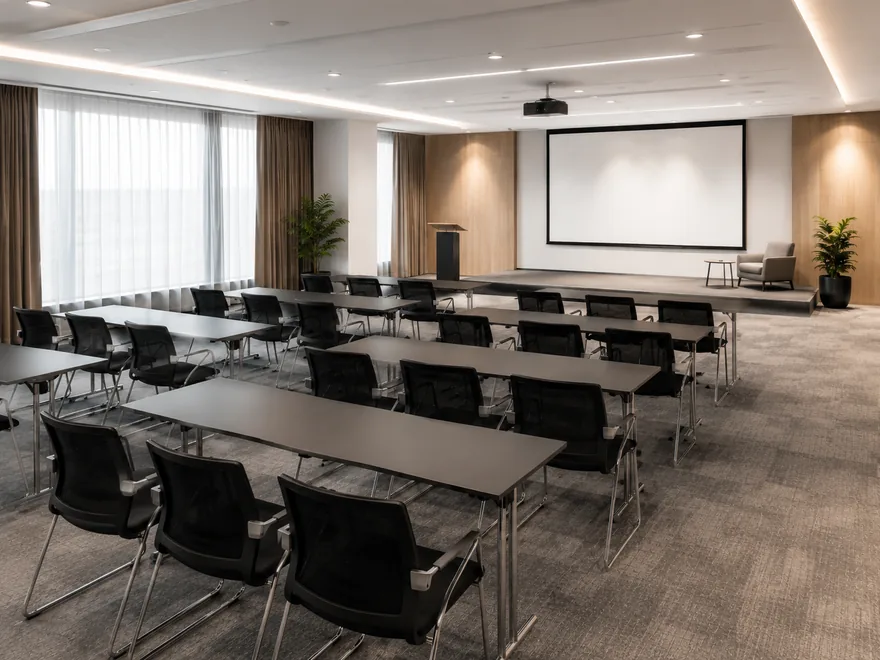
Madrid
Gfacility NL · 20 seats

Coffee & tea arrangement
€ 2.95 per person

Still & sparkling water
€ 2.20 per person

Fresh orange juice
€ 3.10 per person

Fresh apple juice
€ 3.10 per person

Coca-Cola
€ 2.80 per person
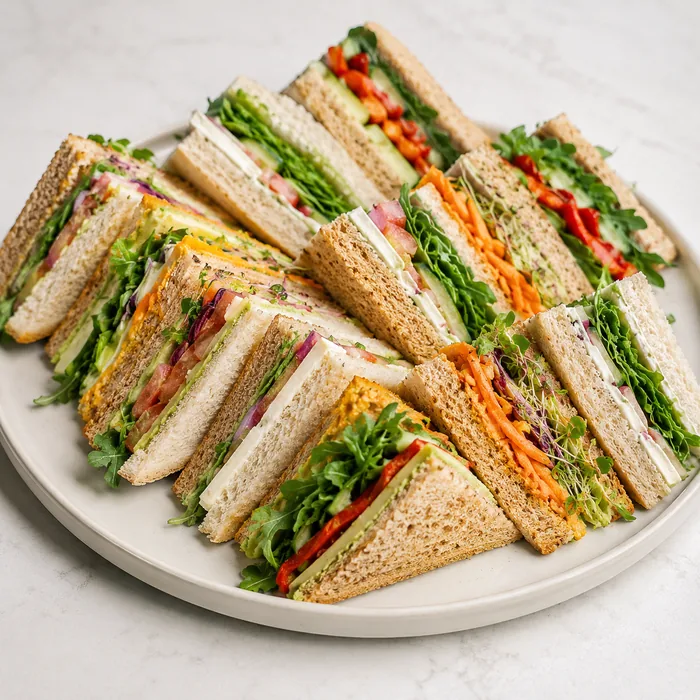
Sandwich platter
€ 6.25 per person

Seasonal fruit bowl
€ 4.50 per person

Vegan poke bowl
€ 9.50 per person

AV technician
€ 75.00

Reception welcome
€ 25.00
Whiteboard & markers
Included
Visitors announced, room booked, catering and services ordered, without leaving Outlook.
Before the visit
One invitation carries everything Emma needs: her own QR code for the kiosk, the way to the building and a link to complete her details. She fills in her licence plate and her dietary wishes herself, so the arrival is a formality.
The invitation
From: Peter Klein
Your visit on Thursday 4 September
Hello Emma,
We are looking forward to your visit. Everything you need is in this message.
Your appointment
Introduction and tour
Your own check-in code
Scan this at the kiosk to check in
Getting here
Druivenstraat 47, 4816 KB Breda
Parking: entrance at the rear
Takes less than a minute, no account needed
You received this message because your visit was registered. Any questions? Just reply to this message.
The QR code and the button to the visitor's own page are standard tags in the invitation template. The route and the parking line are your own text, typed into that template once.
The visitor's own page
Opened from the link in the mail, no account and no password
Welcome, we are expecting you
Complete your details so everything is ready when you walk in.
Your details
Correct what is wrong, add your licence plate and your dietary wishes, and save.
Visitor parking space reserved
Emma gets a confirmation that a space is reserved for her.
Questions about your visit? Reply to the invitation and your host picks it up.
Emma walks in and everything is ready
Her details are right, her code is on her phone, her licence plate is known and a parking space is reserved, and her dietary wishes are in before she arrives.
The page asks little and the guest installs nothing: it opens from the link in the mail, without an account and without a password, and it works until the meeting has ended.
Access
Combined with your access system, the registration does the work. The car park barrier opens on the licence plate the guest passed on, and the QR code from the invitation opens the door or the turnstile.
The car park barrier
The licence plate the guest filled in goes to your access system, so the barrier opens when they drive up. Nobody has to be called at reception.
Licence plate passed on
84-XY-ZPThe door and the turnstile
In combination with your access system, the QR code your guest already has on their phone opens the door or the turnstile. The same code as at the kiosk, so there is nothing extra to hand out.
Gfacility holds the registration: who is expected, with which code and with which licence plate. Opening the door and the barrier stays the work of your own access system, coupled to it.
The moment your guest arrives
At check-in the guest appears on reception's list, and the host is notified automatically, by email, Microsoft Teams or Google Chat. Nobody has to phone around, and nobody walks down to reception to see whether the guest has arrived.
The reception list
Today, Breda
| Title | Visitor | Status | Start | Check-in | Confirmed |
|---|---|---|---|---|---|
| Contract review | Daniel Hughes | Checked out | 09:00 | 08:54 | |
| Product demo | Emma Clarke | Checked in | 09:30 | 09:26 | The host confirmed the pick-up |
| Interview | Priya Shah | Expected | 11:00 |
The arrival is a status change, and the kiosk, this list and the Outlook add-in all produce the same one.
The host, at his desk
Peter Klein, Microsoft Teams
Emma Clarke has arrived and is waiting at reception.
Confirmed, Peter Klein is on the way to reception.
The message is not a default. Somebody sets up the rule, on the status they choose, for the buildings they pick and the recipients they name. It sends an email or a chat message and nothing else, and the chat route only reaches people inside your own organisation.
Unstaffed or simply busy
The digital reception picks it up. Guests announce themselves and check out on the tablet in the hall, expected or not, and every arrival lands in the same list as the rest.
Read more about the digital reception→Welcome to Gfacility
Check in to let your host know you have arrived
Touchless, GDPR-proof
Check-out stays a choice per kiosk, and each kiosk runs in one language, set by the administrator.
Data retention
A visitor register only becomes a liability while it is still full of people who came once, two years ago. Gfacility holds one retention rule for visitor data and runs it for you, so old records are anonymised or deleted on time and the register stays GDPR-proof.
Personal data retention policy
Visitors
Retention rule
One rule for the whole workspace, not per site and not per visitor type.
1The rule runs
Visitor 3184
AnonymisedThe phone number, the comment, the custom field answers and the change log are left alone, so this is not a full wipe of the record.
2Written to the History log
Anonymise visitor data, executed on 15 Aug 2026
ExecutedGuests with a later visit are skipped, so their record stays as it is.
Anonymised or deleted after a set period. Anonymising rewrites the record in place, deleting takes the visits out of the workspace, and a later purge clears them from the database for good.
The rule only reaches back past the retention date, so the list of people in the building right now stays complete for an evacuation.
When it matters most
The list of who is inside follows from checking in and checking out. So in an evacuation the emergency response team picks up a list that is right, instead of a guest book or a guess.
Now in the building
Reception list, filtered on checked in
No separate module and no extra administration: this is the same list reception works from all day.
Visitor insights
Arrival peaks per hour and per weekday, visit duration, pre-registration and no-shows, all of it sliced per building, so you staff reception for the real peak instead of guessing.
See what workplace analytics shows→Visitor arrivals
Last 30 days, Breda office
Announced visits
412
guests announced in this period
Pre-registered
78%
of the guests who checked in, their details were already there before they arrived
No-shows
6%
announced, never checked in, not cancelled, and the visit is over
Arrival peak by hour
Hour of check-in
Busiest between 09:00 and 10:00, which is where reception needs the hands.
Arrival by day of week
Checked-in guests per weekday.
Visit duration
Average visit 89 minutes.
Slice any of it by
Illustrative figures from a demo dataset, not a benchmark. Your own board reads your own visitor data.
Gfacility brings your workplace together. Our all-in-one platform connects room bookings, attendees, visitors, and catering in one smooth flow - so meetings run effortlessly and everyone stays focused.
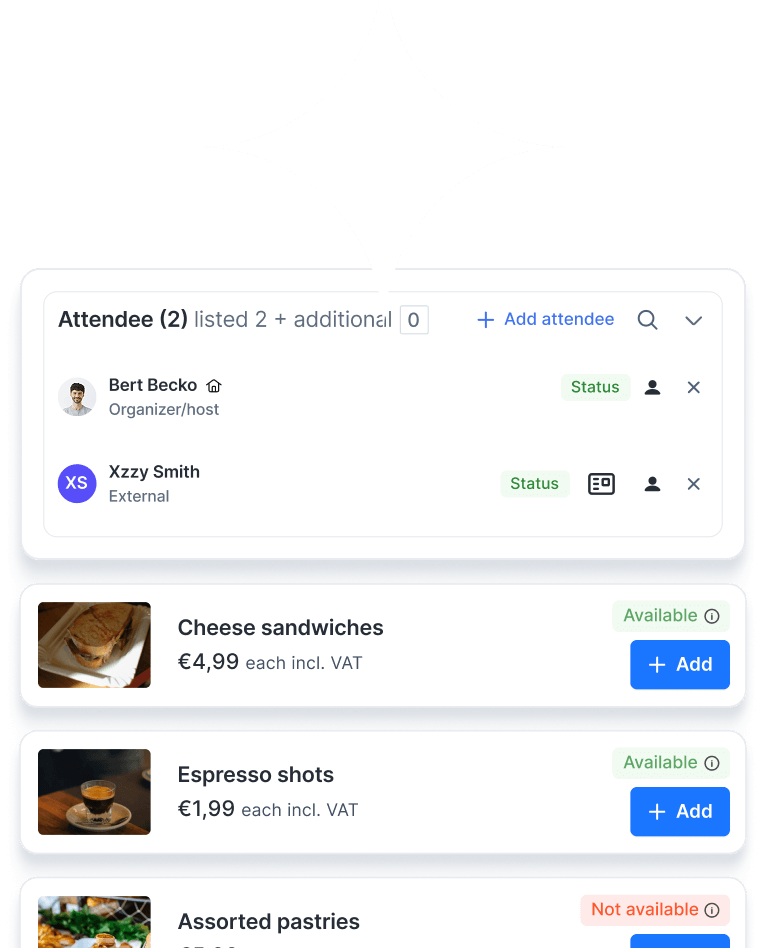
Quickly find the relevant information through user-friendly overviews with advanced filtering capabilities.
Receive timely notifications for important updates, tasks and reservations.
Automate (approval) processes and streamline tasks with customised tailored workflows.
Attractive catalogue with detailed room information and flexible rules to control who can book which rooms, and when.
Easy communication via email, with all correspondence automatically linked to the booking space.
Get valuable insights from detailed analyses and flexible reporting.
Work anywhere with the convenient mobile application, designed for maximum flexibility.
Collect feedback and provide insightful ratings to monitor quality.
Create and print customised visitor badges for a professional and personalised welcome.
Google Calendar plug-in and user integrations.

Microsoft Outlook plug-in and user integrations.
Visitor management software is a digital system that tracks, manages, and records visitor activity in your building or office. Instead of relying on paper sign-in sheets, it automates the entire process - from pre-registration and touchless check-in to badge printing, host notifications, and data reporting. Modern visitor management systems (VMS) such as Gfacility improve security, streamline reception workflows, and create a professional, personalised welcome for every guest.
A digital visitor management system automates every step of the visitor journey. Guests can pre-register online, check in via a kiosk or QR code, receive a printed badge, and automatically notify their host. This reduces reception desk workload, shortens queues, and ensures accurate visitor records.
Yes. Our enterprise visitor management solution allows you to manage visitor policies, check-ins, and reports for multiple sites from one central dashboard.
Through notification rules you set up yourself. A rule fires on a visitor status, such as the arrival, applies to the buildings you select and sends an email, or a chat message through Microsoft Teams or Google Chat when your workspace runs on one of them. The chat channel only reaches people inside your own organisation, so an external co-host is notified by email. You pick the recipients per rule, so the host and the organiser of the meeting can both be on it.
Yes. Gfacility’s enterprise visitor management system connects seamlessly with Microsoft Outlook, Google Calendar, access control, parking management, and meeting room booking systems, giving you one smooth, end-to-end process.
Absolutely. Our automated visitor management solution is fully compliant with GDPR regulations. Visitor data is securely stored and automatically deleted after a set retention period to protect privacy.
During an evacuation, you’ll have instant access to a real-time list of all visitors currently on-site, a key safety feature of our office visitor management system.
With a self-service visitor management kiosk or QR code check-in, guests can be registered in less than 30 seconds, with instant badge printing and host notifications.
Yes. Multi-language support ensures your visitor management kiosk system is user-friendly for all guests, no matter where they come from.
Yes, when check-out is switched on for that kiosk. The visitor scans the QR code from the invitation or types the email address they were invited on, and the kiosk records the check-out time on the visit and moves it to the check-out status of its visitor type. That keeps the list of people in the building accurate through the day, which is exactly what an evacuation list depends on. Check-out stays optional per kiosk, so a reception that does not want it simply leaves it off.
Yes. You can customise your visitor management software to capture any required information, such as vehicle registration for parking access or dietary preferences for catering.
Yes. From the check-in screens and badge designs to the emails and notifications, every touchpoint in our digital visitor management system can be customised to reflect your company’s branding.
The kiosk prints on Brother label printers, the full catalogue of the Brother Print SDK: 116 models across the QL, PT, RJ, TD and mobile families. You connect the printer over Wi-Fi, USB or Bluetooth. The QL families take a label size you choose per kiosk; the others print on whatever media is loaded. The badge itself is yours: a visual designer for text, visit fields, logos, icons and shapes, and a badge template linked to a building, so each site can hand out its own badge.
You’ll have access to detailed reports and analytics, including visitor volumes, peak check-in times, and repeat visits. These insights help you optimise staffing, security planning, and the overall guest experience.
Our team guides you through onboarding and implementation. The flexible booking engine behind Gfacility reaches further than visitor management, so the same platform can also handle parking spaces, company vehicles, equipment and other shared resources.
Pricing depends on the number users and required features. Contact us for a personalised visitor management system price based on your requirements.

Handwritten visitor lists and a paper logbook at the desk make a poor first impression, and there is nothing to report on afterwards. With Gfacility guests are pre-registered, check in with one scan and are welcomed by name, while the visitor record stays GDPR-proof from arrival to check-out.
Schedule a demo